
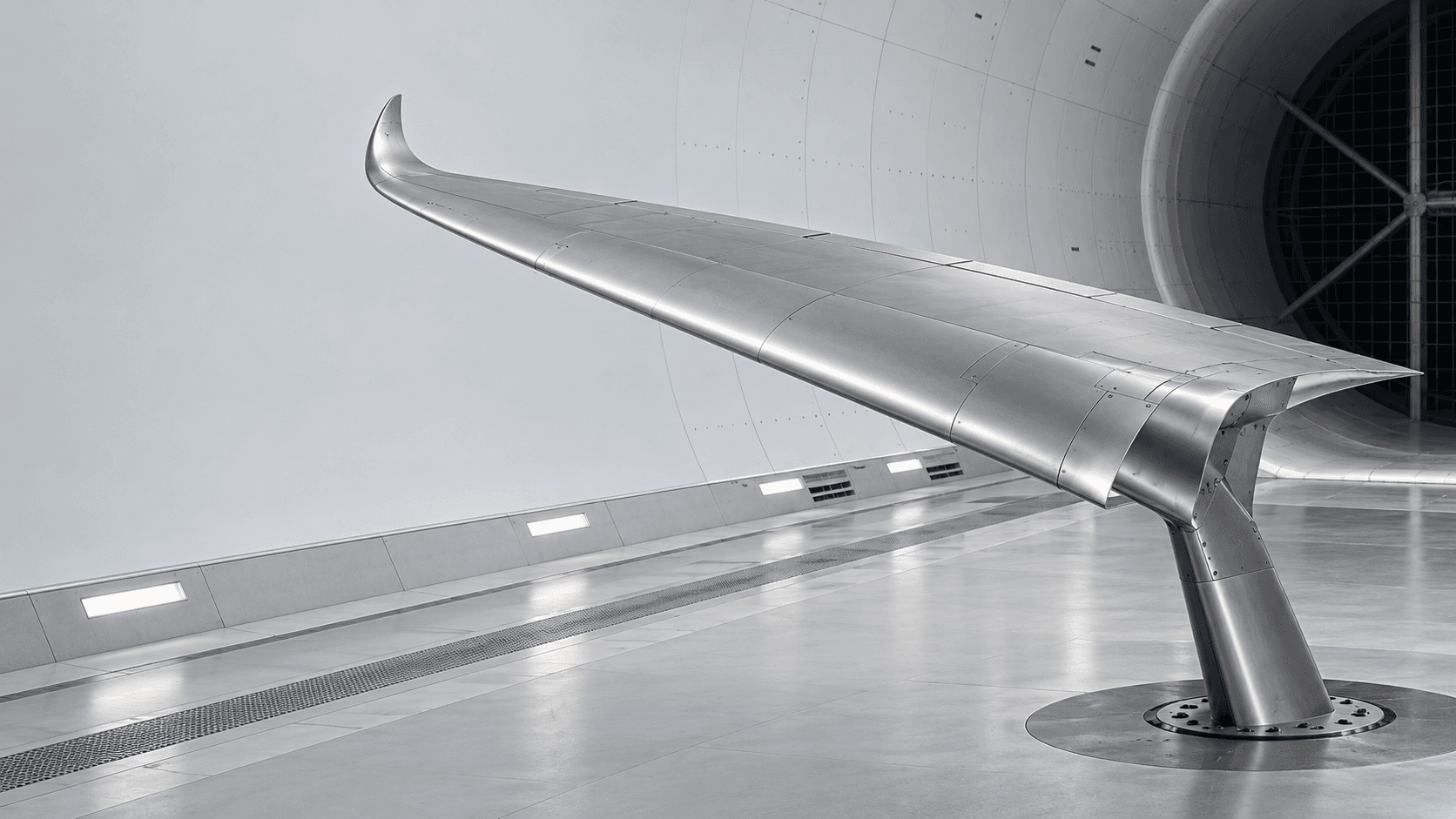
01 / Flight Lab
The forces behind flight
Explore lift, drag and stall speed. Adjust the aircraft and flight conditions, then see how the calculated performance changes.
Open the flight calculator01 / Explore AeroLab
Study the forces that keep an aircraft flying. Explore its structure in 3D, from wing geometry to the engine core.
Explore lift, drag and stall speed. Adjust the aircraft and flight conditions, then see how the calculated performance changes.
Open the flight calculator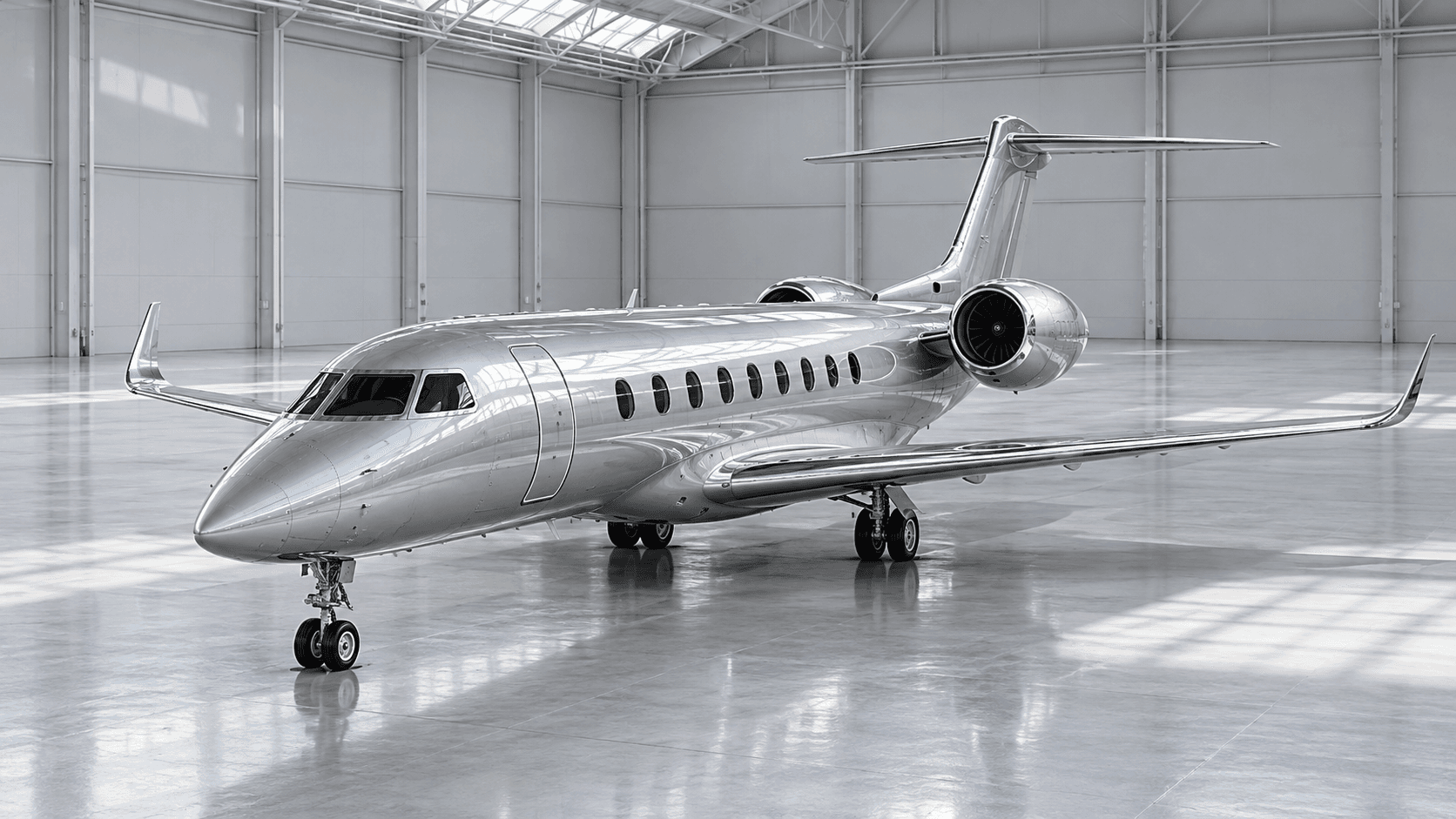
Inspect the airframe and engine in three dimensions. Separate assemblies, move the flaps and bring your wing geometry into AeroLab.
Enter Aircraft Studio
02 / About the creator
Founder & creator
I'm Andrea, a student planning to study aerospace engineering. My interest in physics grew from wanting to simplify calculations and see what they mean visually. Being able to connect the numbers with a clear picture helps me understand a topic more deeply.
I enjoy the technical side of building, exploring how things work and using AI to develop ideas into projects. I'm especially drawn to the point where physics, programming and visual thinking come together.
I built AeroLab to connect the physics I study with my interest in flight. It brings calculations and visual models into one place, making it easier to explore an idea and understand the assumptions behind it.
Open the flight calculator